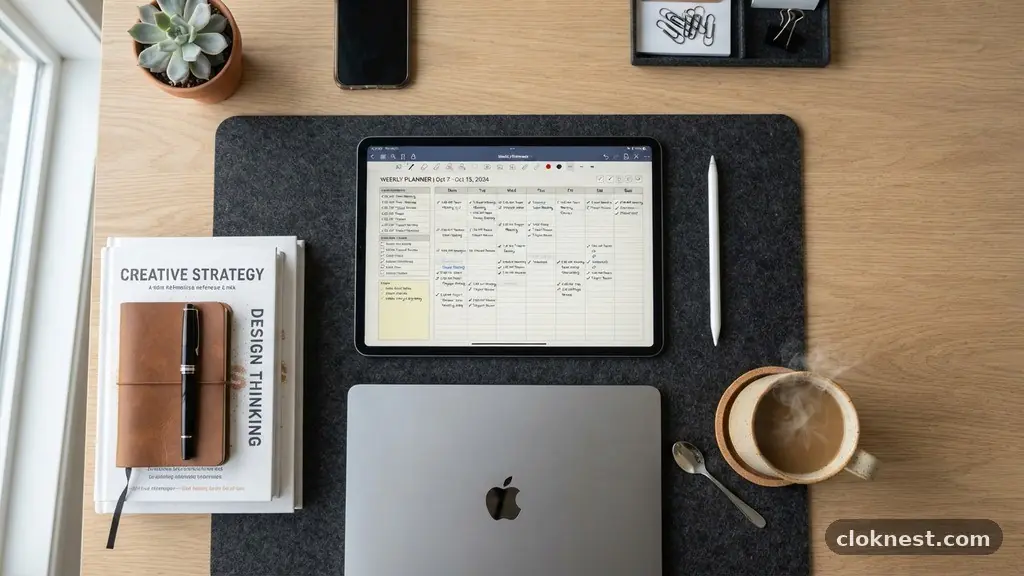
How to Master Your Productivity Using a Digital Planner
Successfully using a Digital Planner Effectively transforms how you manage your time, turning a chaotic schedule into a clear roadmap for success. By digitizing your daily routine, you gain the flexibility to rearrange tasks, store unlimited notes, and sync your life across devices without the clutter of physical paper.
Whether you are a student, a professional, or someone simply looking to bring order to a busy household, transitioning to a digital format saves hours of administrative overhead. This approach offers a dynamic way to track your goals, ensuring that nothing important slips through the cracks while providing a serene, organized space to focus on what truly matters most each day.
Choosing the Right Software and Hardware
The foundation of your workflow begins with selecting the right tools. While many people start by searching for the perfect app, the reality is that the best setup is the one you actually enjoy opening every morning.
If you own an iPad, you might look toward apps like Goodnotes or Notability, which mimic the tactile experience of writing on paper while adding the speed of digital search functionality. For those on Android, options like Penly or Samsung Notes offer similar capabilities.
You don’t need the most expensive tablet on the market to get started. A basic tablet with a compatible stylus is often enough to replicate the feeling of a traditional journal.
The critical factor is latency; you want a stylus that registers your strokes immediately so the experience feels natural rather than frustrating. If you constantly feel like you are fighting your equipment, you will eventually drift back to physical notebooks, which defeats the purpose of going digital.
A common mistake is over-investing in high-end equipment before building the habit. Start with what you have. If you have a tablet that is a few years old, test your writing experience there first.
Once you prove to yourself that you can maintain the digital routine for a few weeks, then consider upgrading to a newer model or a more sophisticated software subscription. Remember that the tool serves the system, not the other way around.
Mastering the Basic Navigation of Your Files
Most digital planners are PDF files with hyperlinked tabs. These links act as shortcuts, allowing you to jump from your yearly overview to a specific daily page in a fraction of a second. Learning to navigate these files is essential for speed.
Spend your first session simply tapping every tab to see where it leads. Understand the “home” button, which usually brings you back to the main index, and the “monthly” views that provide a broader perspective on your upcoming deadlines.
When you are using a Digital Planner Effectively, you shouldn’t spend time hunting for the right page. If your planner has a complex structure, take a few minutes to bookmark the pages you visit most frequently.
Most note-taking apps allow you to add “favorites” or custom bookmarks to the sidebar. This creates a quick-access menu that bypasses the need to flip through dozens of pages.
Don’t ignore the search function if your app supports it. While handwritten text in a PDF can sometimes be tricky to index, many modern apps use OCR (Optical Character Recognition) to make your notes searchable.
This means you can type a keyword into your search bar and find that specific meeting note from three months ago instantly. This is a massive advantage over paper, where you would be forced to manually flip through every single page.
Building a Consistent Daily Routine
The most effective planners in the world are useless if you don’t open them. Treat your digital planner like a morning coffee—it should be part of your ritual.
Spend five minutes every morning reviewing your tasks and another five minutes every evening reflecting on what you accomplished. This bookend approach ensures that you start the day with intention and end it with closure, preventing the “open loop” stress that leads to burnout.
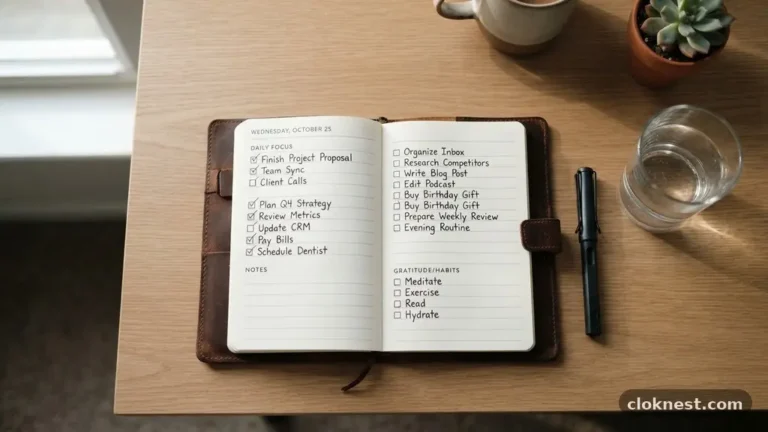
During your morning review, prioritize your top three tasks. Avoid the temptation to list twenty things you want to achieve, as this often leads to feeling overwhelmed by mid-afternoon. If you have a long list of errands, keep them in a separate “brain dump” section of your planner.
Only pull the items that absolutely must happen today into your daily view. This keeps your focus sharp and your progress measurable.
Avoid the trap of “planning just to plan.” It is very easy to spend hours decorating pages with digital stickers or changing font styles, which can feel like productivity without actually moving the needle on your goals.
While aesthetics are fun, prioritize the content of your schedule. If you find yourself spending more time on the design of the page than the execution of the tasks, simplify your layout and get back to work.
Synchronizing Your Life Across Devices
One of the greatest benefits of digital planning is the ability to access your schedule anywhere. If you use a cloud-synced app, your planner will follow you from your desk to your commute. This is vital for capturing ideas on the go.
If you are waiting for a doctor’s appointment or sitting on a train, use that time to update your tasks or adjust your schedule. This keeps your planner accurate rather than outdated.
Ensure your sync settings are configured correctly to avoid data loss. Most apps offer automatic backups to services like iCloud, Google Drive, or Dropbox. Check these settings once a month to ensure your files are actually saving.
There is nothing worse than losing a week’s worth of planning because of a sync error. If you are worried about security, choose an app that offers encrypted storage or offline-only modes.
Be mindful of device distractions when you are trying to plan. It is tempting to check email or social media while your planner app is open on your tablet. Turn on “Do Not Disturb” mode while you are in your planning session.
This turns your tablet into a dedicated focus tool rather than a portal for notifications. By creating a distraction-free environment, you increase the likelihood that you will stick to your plan throughout the day.
Utilizing Digital Stickers and Visual Aids
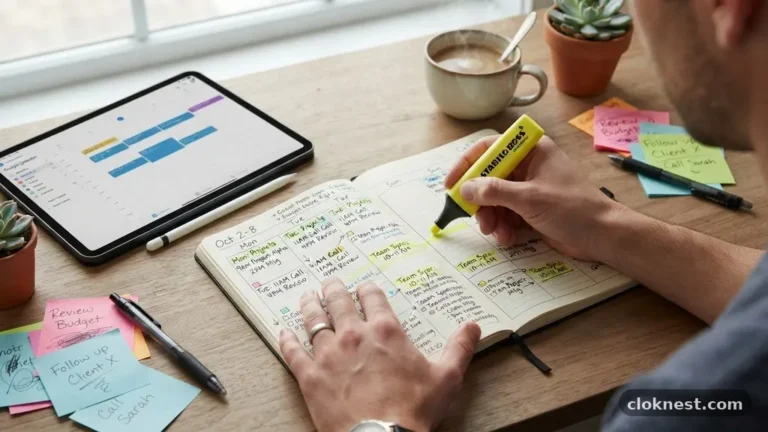
Visual cues help your brain process information faster than plain text. Use color-coding to distinguish between work, personal, and health-related tasks.
For example, you might use a blue highlighter for work meetings and a green highlighter for exercise or wellness activities. When you glance at your week, you can immediately see the balance—or lack thereof—in your life.
Digital stickers serve a functional purpose beyond just looking cute. They can act as “status markers” for your tasks. You might have a specific sticker for “pending,” “urgent,” or “completed.”
Placing these on your page provides an instant visual status update. You can create your own custom set of icons or download pre-made packs from various online marketplaces. Keep your collection organized in a separate folder so you aren’t scrolling through hundreds of images just to find a checkbox.
Do not let your sticker collection become a source of clutter. If you find your page is so covered in decorations that you cannot read your actual schedule, scale back. The goal of using a digital planner is clarity.
If the visual elements are distracting you from your primary objectives, hide them for a few days and focus on the text. You can always reintroduce them when you have more time to manage your layout.
Managing Long-Term Goals and Projects
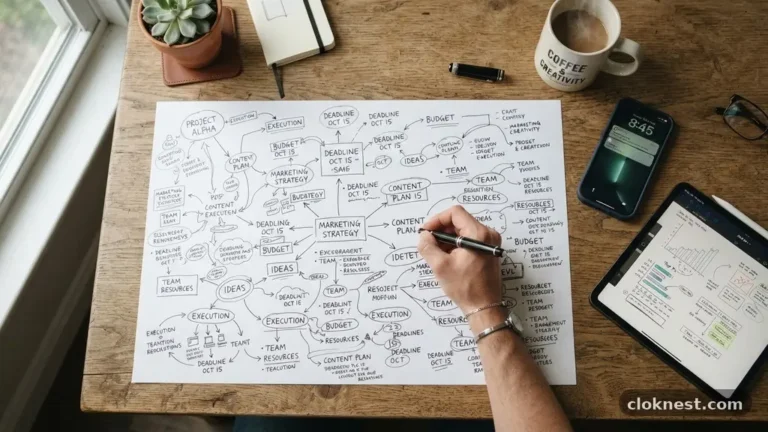
A digital planner is an excellent tool for breaking down massive projects into manageable steps. Most planners come with “project pages” or “goal trackers.” Use these to map out the milestones for your larger ambitions.
If you are working on a major work project, break it down into smaller, actionable items that you can distribute across your weekly view. This prevents you from staring at a deadline and wondering where to start.
When you have a large goal, treat it as a recurring task in your monthly view. If you are saving for a trip, for example, note your progress every two weeks. Seeing your progress in one place keeps you motivated.
Because you can copy and paste text in a digital environment, you can easily move unfinished project steps from one week to the next without having to rewrite them. This fluidity is a massive advantage over paper.
Be careful not to overload your project pages with too much information. If a project becomes too complex, it might be better suited for a dedicated project management tool or a separate document entirely.
Your digital planner should be the “what” and the “when,” while your project management software handles the “how.” Keep the planner clean so it remains a high-level overview of your life’s trajectory.
Handling Mistakes and Making Adjustments
One of the most liberating aspects of a digital planner is the “undo” button. If you make a mistake, you don’t need to cross it out or use messy correction fluid. You can simply erase it or delete the entry entirely.
This encourages you to experiment with your schedule. If you think a task will take an hour, but it actually takes three, you can easily shift your entire day around to accommodate the change.
Flexibility is key to maintaining a long-term planning habit. Life happens, and your schedule will inevitably change. If you have a day where everything goes wrong and you miss your goals, don’t feel guilty.
Simply move the tasks to the next day or delete them if they are no longer relevant. The goal is to stay current, not to be perfect. A planner that reflects reality is far more useful than one that reflects an impossible ideal.
A common mistake is trying to “catch up” on a planner after a period of inactivity. If you haven’t opened your planner in two weeks, don’t try to fill in every single day retroactively. Just start again today.
Draw a line or use a fresh page and move forward. This prevents the feeling of failure that often causes people to abandon their planning system altogether.
Understanding the Research Behind Planning
The psychology of planning is well-documented in cognitive science. By offloading your tasks from your brain to an external system, you reduce your “cognitive load.” This allows your brain to focus on problem-solving rather than remembering what you need to do next.
When you write things down, you are essentially creating a backup for your short-term memory, which frees up mental energy for creative work. You can read more about the importance of cognitive offloading and managing mental health through structured habits at the American Psychological Association website.
This externalization is particularly effective when done manually. Even though you are using a digital tablet, the act of writing with a stylus still engages the neural pathways associated with retention.
This is why writing your daily goals is often more effective than simply typing them into a digital list. The physical motion of moving the stylus across the screen helps cement the task in your mind, making you more likely to follow through.
Avoid the temptation to automate everything. While it is helpful to sync your digital calendar, there is value in manually transcribing your appointments into your planner.
This double-entry method might seem redundant, but it serves as a final review of your day. It forces you to look at your time commitments twice, which helps you spot potential conflicts that an automated notification might hide.
Frequently Asked Questions
How do I stop myself from getting distracted by my tablet while planning?
The best way to stay focused is to use a dedicated planning app that doesn’t have social media or email notifications enabled. If that isn’t possible, use your tablet’s “Focus Mode” or “App Limits” feature to block non-essential apps during your designated planning time. Keeping your environment clean and free of browser tabs also helps you maintain your concentration.
Is it better to use a template or build my own layout?
For beginners, using a pre-made template is highly recommended. It allows you to understand the flow of a digital planner without the technical hurdle of design. Once you are comfortable with the basics, you can start customizing your own pages or adding personal touches to existing templates to better suit your unique workflow.
How do I handle the feeling of being overwhelmed by digital clutter?
Digital clutter happens when you have too many files, stickers, and half-finished notes. The solution is to archive your old pages periodically. Move completed months into a “Finished” folder to keep your current workspace light and fast. If you have too many stickers, delete the ones you never use to streamline your selection process.
What if I don’t have a tablet or a stylus?
While digital planners are optimized for tablets, you can still use them on a laptop or desktop with a mouse. However, the experience will be more like using a digital calendar or a spreadsheet. If you want the true benefits of handwriting, a tablet with a stylus is the best investment, but you can certainly start with a mouse-based setup to see if the system works for you.
Final Thoughts on Consistent Planning
Mastering the art of using a Digital Planner Effectively is a journey of refinement. It isn’t about finding the perfect app or having the most beautiful layouts; it is about creating a system that honors your time and clarifies your intentions.
As you incorporate these steps into your daily life, you will likely find that your ability to manage complex tasks improves significantly. The key is to keep things simple, focus on the actions that move your goals forward, and stay kind to yourself when life inevitably disrupts your plans.
Start your next chapter by setting aside ten minutes tonight to sketch out your priorities for tomorrow. Once you experience the mental clarity that comes with a well-organized day, you will find it difficult to go back to the old way of doing things.
Embrace the flexibility of your digital tools, stay consistent with your check-ins, and enjoy the peace of mind that comes from knowing exactly where your time is going. Happy planning!