Digital Planner vs Paper Planner: Finding Your Perfect Organisation Method
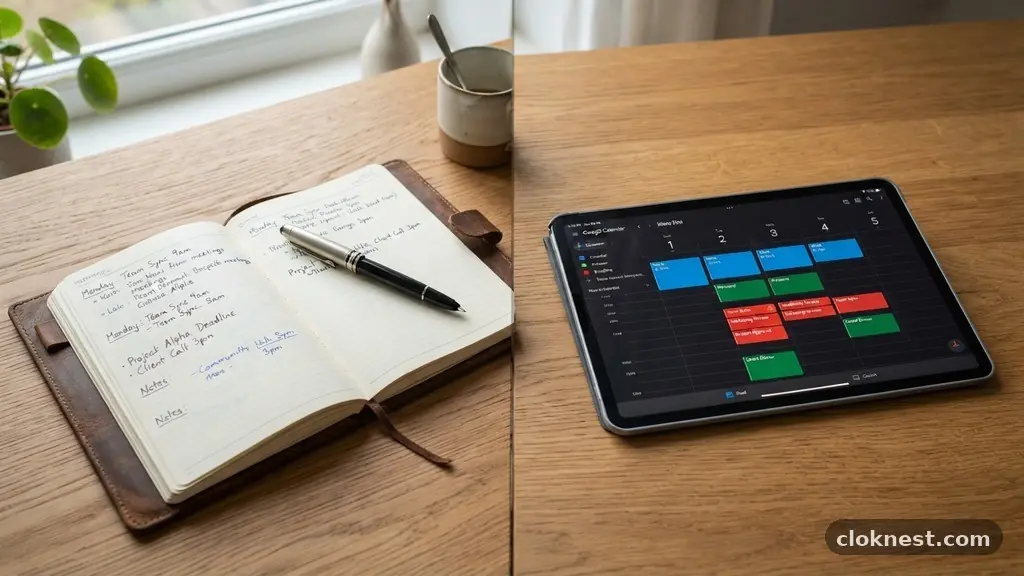
Deciding between a digital planner vs paper planner often comes down to how your brain processes information and what you need your tools to do for you. Some people thrive on the tactile sensation of pen on paper, while others require the speed and flexibility of cloud-based systems. Understanding these differences helps you build a system that actually sticks.
By evaluating your daily habits and your need for reminders, you can choose a method that supports your goals rather than becoming another task to manage. This exploration of the two worlds will help you identify which style fits your workflow, ensuring you stay organised without feeling overwhelmed by your own tools.
Assess Your Daily Workflow Requirements
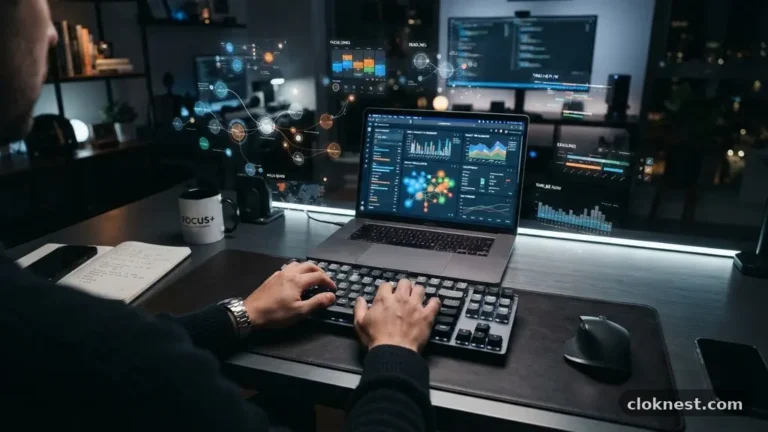
Before committing to a specific method, look at how you currently handle your work. Do you spend most of your day at a desk with multiple monitors, or are you constantly moving between meetings, job sites, or classrooms?
If your environment is purely digital, a paper planner might feel like an disconnected island. Conversely, if you feel drained by screens, a physical notebook offers a necessary mental break.
Consider the speed at which your tasks change. Digital tools excel at rapid rescheduling; you can drag and drop an appointment in seconds. Paper requires erasing or crossing out, which can become messy if your schedule is fluid.
If you have a relatively static routine, the permanence of paper can actually be a benefit. It forces you to be more intentional about what you write down.
A common mistake is choosing a tool based on aesthetics rather than functionality. It is easy to fall in love with a beautiful leather-bound journal or a sleek app interface, but if the tool does not align with your actual day, it will quickly become a piece of desk art. Start by tracking your actual needs for three days.
Do you need alarms? Do you need to sketch out ideas?
Are you tracking multiple projects or just your daily to-do list? Your answers to these questions are more important than any review you read online.
The Tactile Benefits of Paper Planning
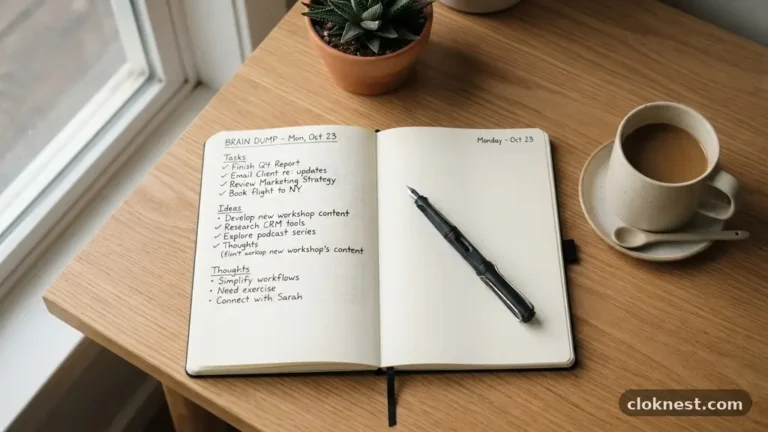
There is a distinct psychological advantage to writing things down by hand. Research suggests that the physical act of handwriting engages the brain differently than typing, helping with memory retention and cognitive processing. When you write a task in a paper planner, you are essentially committing it to your mental space in a way that clicking a button doesn’t replicate.
Many people find that paper planning helps them slow down. In a world of constant notifications and pings, a physical notebook is a quiet space.
You can use different colored pens, stickers, or highlighters to create a visual hierarchy of your tasks. This process is often described as therapeutic, turning the chore of scheduling into a moment of mindfulness.
One risk with paper is the lack of a backup. If you lose your notebook, you lose your history and your future plans. To mitigate this, some people photograph their weekly layouts or keep a master calendar on their phone while using the paper journal for daily focus.
If you choose this route, be careful not to double-enter everything, as this can lead to burnout. Keep your paper for the “big rocks” and your digital for the “urgent pings.”
Harnessing the Power of Digital Flexibility
Digital planners provide a level of automation that paper simply cannot match. If you rely on recurring events, syncing across devices, and instant reminders, going digital is the clear winner.
Most major platforms integrate directly with your email, meaning that calendar invites appear in your planner automatically. This saves significant time and reduces the chance of missing a meeting.
Another major advantage is searchability. When you need to find a specific note from three months ago, a digital search bar is faster than flipping through dozens of pages.
You can store attachments, links, and even voice memos inside many digital planning apps. This makes them ideal for project management or complex workflows where you need all your resources in one place.
The common pitfall here is “app hopping.” It is tempting to jump to the newest, shiniest productivity tool every time you feel stuck. This constant switching prevents you from ever building a truly effective habit.
Stick to one system for at least a full month before deciding it doesn’t work. True productivity comes from consistency, not from the features of the software you choose. You can find more information on effective time management techniques at the American Psychological Association if you want to understand the science behind focus and habit formation.
Managing ADHD and Focus with Your Planner
For those with ADHD or anyone who struggles with executive function, the choice between a digital and paper planner can be life-changing. Digital tools are excellent for those who need “external brains.” The ability to set multiple alerts for a single task ensures you don’t get hyper-focused on one thing and completely forget about your next appointment.
However, digital devices are also massive sources of distraction. If your planner is on your phone, checking your schedule might lead to checking your email or social media. This is where paper planning shines.
A paper planner is a “single-tasking” device. When you open it, you are only looking at your schedule, not your notifications.
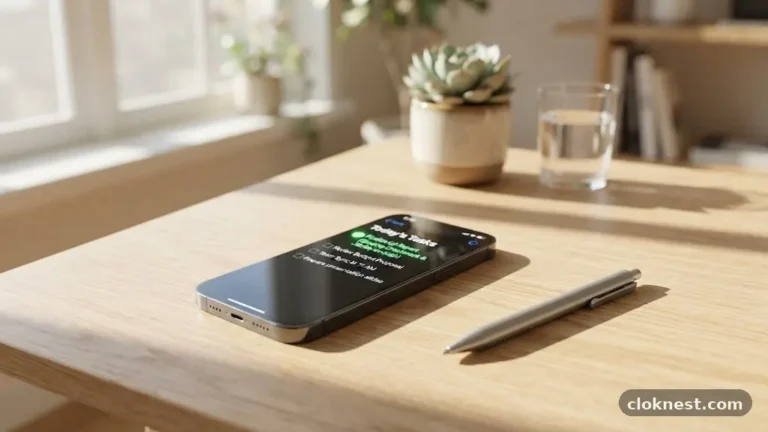
Some people find success with a hybrid approach. They use a simple, low-tech paper pad for their daily “top three” tasks to keep them grounded and focused.
Simultaneously, they maintain a digital calendar for all appointments and deadlines. This separates the “what” (the tasks) from the “when” (the appointments), preventing the mental clutter that comes from trying to cram everything into one small space.
Customising Your Planning System
Whether you choose a digital or physical format, the system is only as good as how you customise it. A blank page or an empty app interface can be intimidating. Start by creating a structure that matches your natural rhythm.
Do you work best in time blocks, or do you prefer a simple checklist? Don’t force yourself into a “productivity guru’s” method if it doesn’t feel natural.
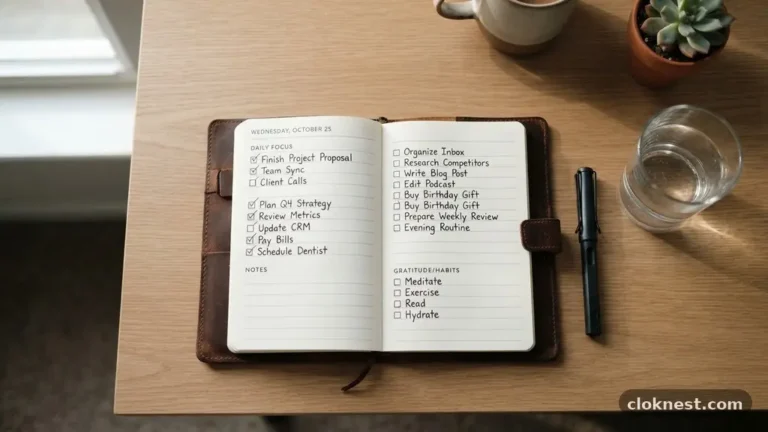
In paper planners, this might mean using a bullet journal style where you create your own layouts. This allows you to scale up or down based on how busy your week is.
In digital apps, this means setting up templates for your weekly review or recurring project tasks. The goal is to reduce the friction of starting your planning session each day.
Avoid the “perfection trap.” Many people stop using their planners because they missed a day or made a mistake, and the page no longer looks pristine. If you miss a day, just move on.
Your planner is a tool to serve your life, not a record you are being graded on. If a page gets messy, just turn the page or start a new entry.
The Importance of the Weekly Review
Regardless of the medium, the most successful planners engage in a weekly review. This is the time when you look back at what you accomplished and look forward to what needs to be done.
It is the bridge between your intentions and your reality. Without this review, you are just reacting to the loudest tasks rather than the most important ones.
During this time, clear out your digital inbox or cross off completed items in your paper journal. Re-evaluate your goals for the upcoming week. If you notice that you are consistently failing to complete certain tasks, ask yourself why.
Is the task too big? Is it not a priority? Adjust your plan accordingly.
The mistake most people make is skipping the review because they are “too busy.” This is backwards logic. The busier you are, the more you need the review.
It acts as a reset button, helping you shed the tasks that no longer matter and ensuring your energy is directed toward your actual objectives. It only needs to take fifteen minutes once a week to be effective.
Integrating Your Planner into Your Life
Your planning system should be your constant companion. If it’s a paper planner, carry it with you. If it’s a digital one, ensure it is accessible on your phone, tablet, and computer.
If you have to go searching for your planner, you will eventually stop using it. It needs to be part of your environmental setup.
If you are using a physical book, consider a size that fits in your bag comfortably. If it is too heavy or bulky, you will leave it at home.
If you are going digital, make sure the sync is reliable. Nothing destroys trust in a system faster than opening your phone to see a blank calendar when you know you have appointments.
Another tip is to keep your “capture” tool simple. If you have a brilliant idea or a new task pops up, you need a way to store it immediately. This might be a quick note on your phone or a sticky note in your paper planner.
Do not worry about categorising or scheduling it perfectly in the moment. Just capture it, and then process it during your next review.
Balancing Digital and Paper
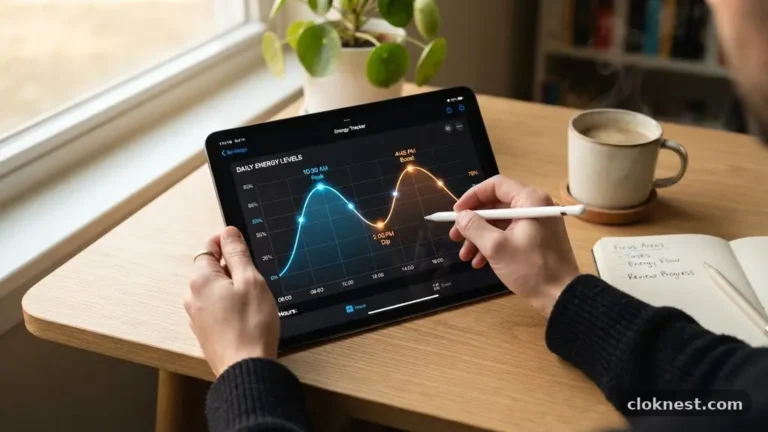
You do not have to choose one or the other forever. Many people find that their needs change as their careers or lives evolve. You might prefer a digital planner during a busy work project because of the collaboration features, but switch to a paper journal when you are on vacation or working on personal creative projects.
Be willing to experiment. If you have been using a digital system for years and feel burnt out, try a paper notebook for one month. If you are struggling to keep track of deadlines with paper, add a digital calendar for your hard appointments.
There is no prize for being a “purist.” The only thing that matters is that you feel in control of your time.
When you feel like your system is failing, don’t blame yourself—examine the tool. Sometimes, the problem is just that your life has become more complex than your current system can handle. By staying flexible and willing to adjust your tools, you maintain a sense of calm that is impossible to achieve when your schedule is scattered across sticky notes, email threads, and mental memory.
Frequently Asked Questions
Is it better to have a paper or digital planner for ADHD?
It depends on whether your biggest struggle is distraction or forgetfulness. Digital planners are better for those who need audible reminders and constant notifications to stay on task. Paper planners are often better for those who get distracted by their devices and need a singular, focused space to work. Many people with ADHD find that a hybrid system—using a digital calendar for alerts and a paper pad for daily tasks—offers the best of both worlds.
Why do people still use paper planners despite technology?
The tactile experience of writing is a major factor. It helps with memory retention and provides a sense of accomplishment that is missing when you simply click a checkbox on a screen. Additionally, a paper planner acts as a “digital detox” tool, allowing you to disconnect from the constant flow of notifications, emails, and internet distractions while still staying organised.
What is the best digital planner to use?
The best planner is the one you actually use consistently. For simple task management, apps like Todoist or Microsoft To Do are excellent. If you need a full calendar integration, Google Calendar or Apple Calendar are the industry standards. For those who want a “digital paper” feel, apps like GoodNotes or Notability allow you to use a stylus on an iPad to handwrite your plans, providing the benefits of both worlds.
How do I know if I should switch from paper to digital?
You should consider switching if you find yourself missing appointments because you forgot to check your notebook, or if you feel overwhelmed by the amount of manual rewriting required for recurring tasks. If your schedule is highly dynamic and involves multiple people or projects, the automation and syncing features of a digital system will likely save you significant time and reduce your mental load.
Can I use both a paper and digital planner?
Absolutely, and many people do. The key is to avoid duplicating work. Use one for your “time” (appointments, meetings, deadlines) and the other for your “tasks” (to-do lists, project breakdowns, daily focus). For example, keeping your calendar digital ensures you never miss a meeting, while keeping your daily task list on paper helps you stay focused and mindful throughout the day.
Conclusion
Choosing between a digital planner vs paper planner is a personal journey toward finding what helps you stay calm, focused, and productive. There is no universally “correct” method, only the one that aligns with your brain and your daily responsibilities. Whether you lean toward the high-tech automation of digital apps or the grounding, tactile experience of paper, the goal remains the same: creating a system that serves your life.
Start by observing your natural habits, then test a setup that feels right for your current season. If you find your system isn’t working, don’t be afraid to tweak it or pivot entirely.
By keeping your planning process flexible and intentional, you’ll find that managing your time becomes a source of empowerment rather than a daily struggle. Reach out and experiment with your setup today to see what works best for you.