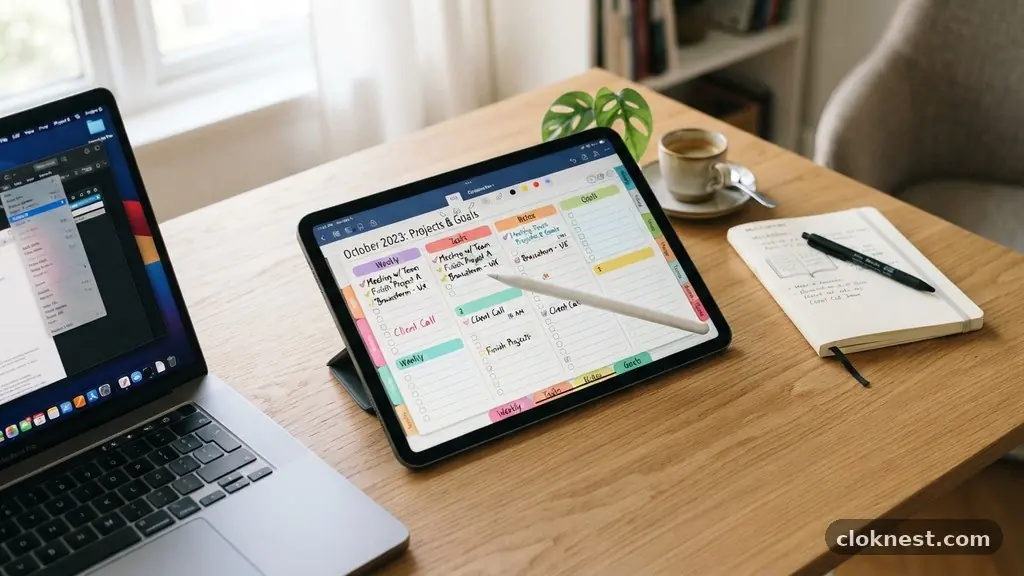
Digital Planning: A Modern Approach to Personal Organization
Digital planning represents a shift from traditional pen and paper toward interactive, flexible tools that help you manage your time and tasks. By moving your schedule to a tablet or computer, you gain the ability to edit, search, and sync your life across multiple devices. This transition offers a level of customization that static notebooks simply cannot match.
Whether you are a student, a professional, or someone looking to better organize their household, learning to use these tools effectively can transform how you approach your daily goals. You will find that adopting this method allows for a cleaner workspace and a more efficient way to track your evolving priorities throughout the year.
Choosing the Right Hardware and Software
The foundation of your transition begins with selecting the appropriate tools. You do not necessarily need the most expensive equipment, but you do need a device that allows for a natural writing experience.
An iPad or a high-quality Android tablet paired with a stylus is the standard for most people. The tactile sensation of writing on glass has improved dramatically over the years, making it feel remarkably close to using a real pen on paper.
Once you have your hardware, you need the right application to bring your system to life. For iPad users, apps like GoodNotes or Notability are industry leaders, while Android users often prefer apps like Penly or NoteShelf. These programs allow you to import a PDF file that acts as your digital planner.
Avoid the common mistake of buying overly complex software that requires a steep learning curve. Start with a simple, clean interface that lets you focus on your planning rather than managing the technology itself.
Understanding the Digital Planner Format
Most people start their journey by downloading a digital planner in PDF format. These files are essentially interactive documents with hyperlinks embedded throughout the pages.
When you tap a tab on the side of the screen, the software instantly jumps to the corresponding month or week. This navigation makes it much faster to move through your calendar compared to flipping through physical pages.
Because these files are digital, they are incredibly lightweight. You can carry your entire year of records, project notes, and habit trackers in a device that weighs less than a single paperback book. If you ever make a mistake, you don’t need white-out or a messy eraser.
A simple undo command clears your error, keeping your pages looking pristine. This flexibility is the primary reason so many people choose to replace their old paper planner with a digital version.
Customizing Your Planning Experience
One of the greatest benefits of this approach is the ability to personalize your layout. Unlike a store-bought notebook with fixed columns and sections, you can add as many pages as you need.
If you have a busy week, you can duplicate a daily template to give yourself more space for notes. If you decide you don’t need a specific tracker, you can delete it without ruining the structure of your binder.
You can also use digital stickers and stamps to make your pages visually appealing. Many creators sell digital assets that you can import into your app, allowing you to decorate your schedule just like you might use decorative tape or stickers in a physical notebook. This turns a functional task into a creative outlet.
Avoid the trap of spending more time decorating than actually planning. Your primary goal is to organize your life, so ensure your aesthetic choices support your productivity rather than distracting from it.
Synchronizing Across Your Devices
A major advantage of going digital is the ability to access your information from anywhere. Most modern note-taking apps sync via cloud services like iCloud, Google Drive, or Dropbox.
This means that if you update your schedule on your tablet during a meeting, you can check those same details on your phone while you are out running errands. You are no longer tethered to a physical book that you might leave at home by accident.
However, you must stay mindful of your syncing settings. Always ensure your device is connected to the internet periodically to push your changes to the cloud. A common mistake is assuming that everything is backed up automatically without verifying the status.
Check your settings to confirm that your planner file is being saved to a secure, cloud-based location. This simple step protects you against losing your data if your device is damaged or misplaced.
Developing a Consistent Daily Routine
The most effective planning system is the one you actually use. You should set aside a specific time each day to review your tasks and update your progress.
Many people prefer to start their morning with a quick check-in to identify their top three priorities. Others prefer to close their day by reflecting on what they achieved and preparing for the following morning.
Find a rhythm that works for your lifestyle. If you struggle to maintain focus, try the Pomodoro Technique to break your work into manageable chunks. You can even build a dedicated “planning session” page in your digital planner to track these intervals.
Don’t worry if you miss a day; the beauty of digital systems is that you can simply start fresh the next morning without feeling guilty about empty pages. Consistency matters more than perfection.
Integrating Tasks and Appointments
While a planner is great for long-term goals, you should also consider how it fits into your broader digital ecosystem. Many digital planners allow you to link to your Google or Apple calendar.
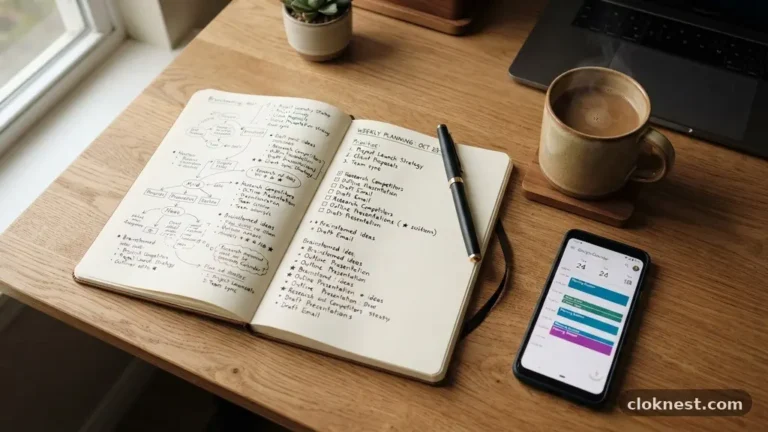
While most PDF-based planners are static, you can use them in conjunction with your digital notifications. Use your digital planner for big-picture reflection and your phone’s calendar app for time-sensitive reminders.
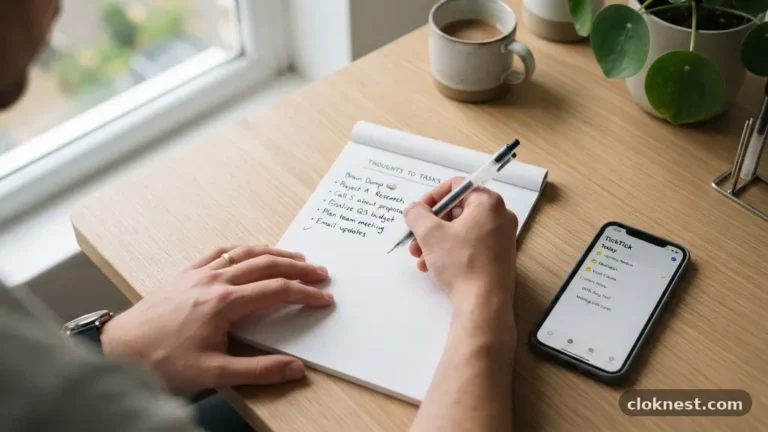
You might also consider using a task management tool alongside your planner. Your planner acts as the “brain” where you dump all your thoughts and projects, while a task manager handles the urgent, daily “to-do” items.
This hybrid approach prevents your planner from becoming cluttered with small, fleeting tasks. By separating your long-term planning from your daily task list, you maintain a clearer view of your goals and your immediate responsibilities.
Managing Your Digital Storage
As you accumulate more files, your digital storage can become disorganized. Give your files descriptive names like “2025_Master_Planner” rather than generic labels.
Create a dedicated folder for your planners, stickers, and templates so you can find them easily when you want to make changes or start a new year. Periodically archiving old files is also a smart habit.
By moving your old planners into an “Archive” folder, you keep your current workspace clean and fast. You don’t need to delete your past entries, as they serve as a wonderful record of your growth over time.
Keeping these files organized ensures that you can always look back at your accomplishments without having to sift through years of clutter. A tidy digital workspace leads to a clearer mind.
Addressing Common Hurdles
Transitioning to a new system often comes with minor frustrations. You might find that your stylus feels slippery or that you dislike your handwriting on a tablet.
These are common hurdles that usually resolve with a little practice. Consider using a matte screen protector, which adds a slight texture to the glass and makes the writing experience feel much more like real paper.
Another hurdle is the temptation to constantly switch between different planner layouts. You might see a new, trendy design online and feel the urge to start over. Resist this temptation.
Changing your system too often prevents you from building a consistent habit. Stick with one layout for at least a full month before deciding if it truly meets your needs. If you find yourself constantly tweaking the template, it might be a sign that you are procrastinating on your actual work.
Frequently Asked Questions
What does digital planning mean?
Digital planning involves using an electronic device, such as a tablet or laptop, to organize your schedule, tasks, and notes. Instead of using a physical paper notebook, you use an app that supports handwriting or typing, allowing you to manage your time with the added benefits of digital tools like searching, editing, and cloud syncing.
How do I make my own digital planner?
You can create your own planner using design software like Canva, Keynote, or Adobe InDesign. The process involves creating a document with hyperlinked tabs that connect to different pages within the file. Once designed, you export it as an interactive PDF, which can then be imported into note-taking apps like GoodNotes or Penly to be used just like a physical notebook.
How much does a digital planner cost?
Costs vary significantly depending on your needs. You can find free templates online, while professional, highly detailed planners typically range from $10 to $40. Additionally, you may need to pay a one-time fee for a note-taking app, usually between $5 and $15. Beyond the software, the primary cost is the hardware, such as a tablet and a compatible stylus, which is a one-time investment.
Is digital planning worth it?
For many people, it is highly beneficial because it combines the satisfaction of handwriting with the convenience of digital technology. If you value being able to edit your plans, carry your entire history in one thin device, and customize your layouts frequently, it is likely worth the investment. It is especially useful for those who work across multiple locations and need their schedule to be portable and accessible.
Final Thoughts
Embracing digital planning allows you to harmonize your creative side with your need for structure. By moving away from bulky paper notebooks, you open up space for more flexibility, better organization, and a clearer view of your long-term goals.
The process is personal, and it should evolve as your life changes. Start small, be patient with your learning curve, and focus on the systems that truly help you get things done.
Once you have your setup in place, you will find it much easier to stay on top of your responsibilities. Take the next step by exploring a few templates and seeing which layout feels most intuitive to you. There is no right or wrong way to organize your life, so enjoy the process of tailoring your digital planning journey to fit your unique style and needs.